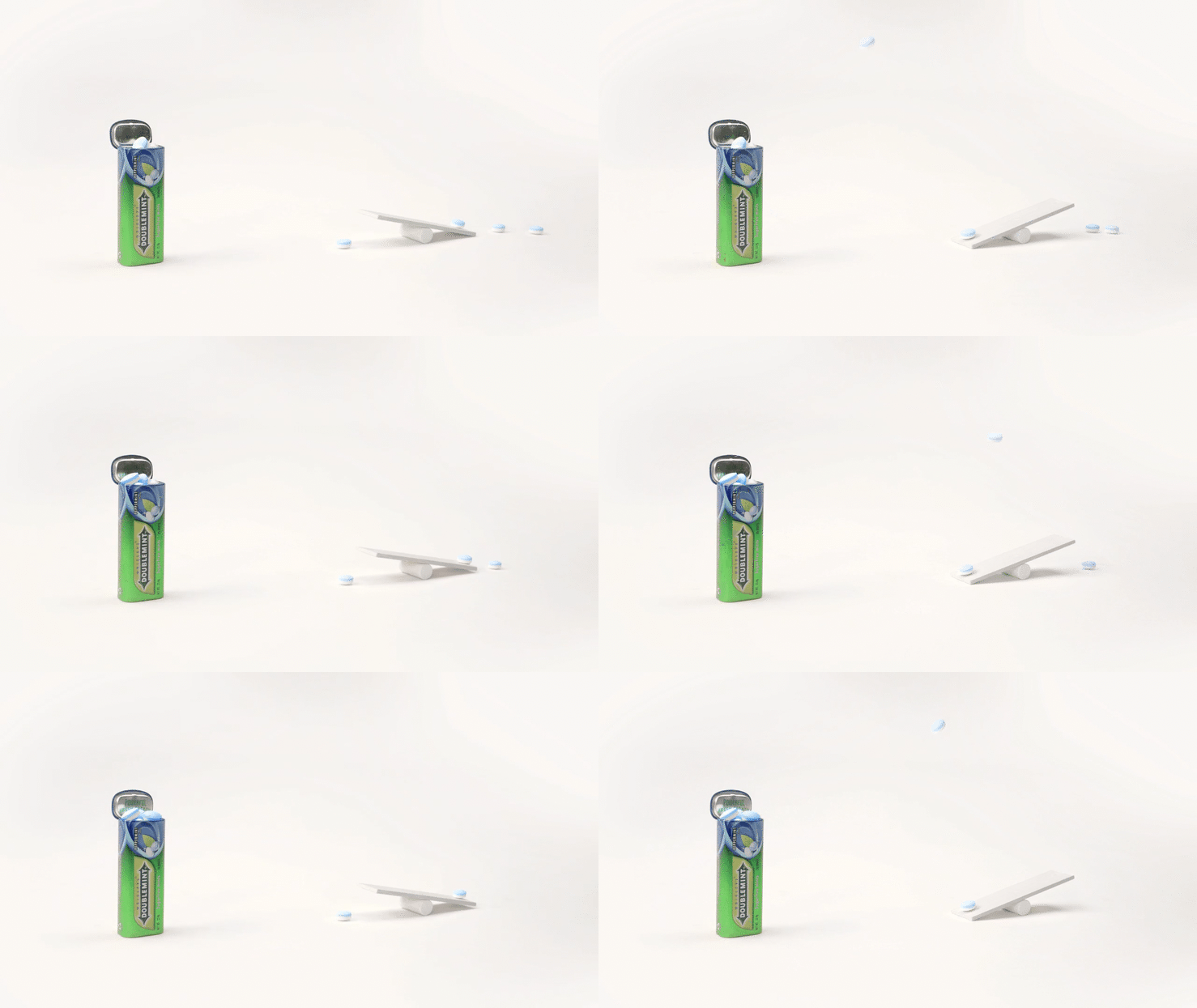
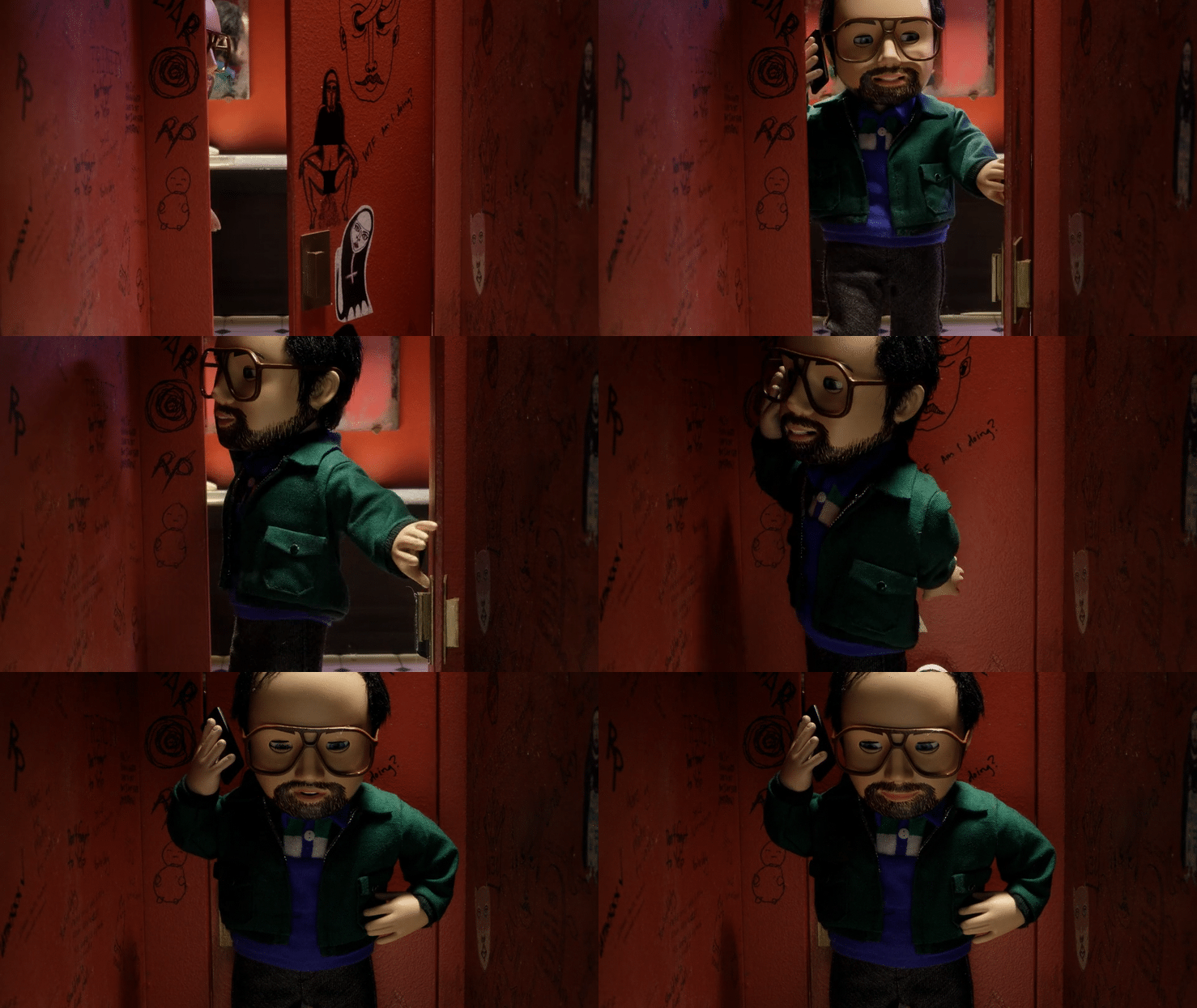
STORYBOARD / STYLE FRAMES STAGE 1:
Create storyboard from the current script. Usually black & white illustrations.
The storyboard will show key frame(s) from each scene matched with the relevant VO.
Client Review - 1 round of revisions
1 WEEK
ANIMATIC STAGE 2:
The animatic is where we put frames from the storyboard in a visual timeline synched with the VO.
This will act as a guide for the stop-motion animator.
At this stage we will figure out the scale of the characters in relation to the background and the framing of each shot.
It is important to get the animatic approved before proceeding with the stop motion shoot
This helps everyone know what to expect in terms of length of scenes and pacing.
Client Review - 1 round of revisions
1 WEEK
PRE-PRO STAGE 3:
Fabrication/Build of props
Set Build
Character Builds
Client Review - 1 round of revisions
1.5 WEEK
STOP MOTION SHOOT - STAGE 4:
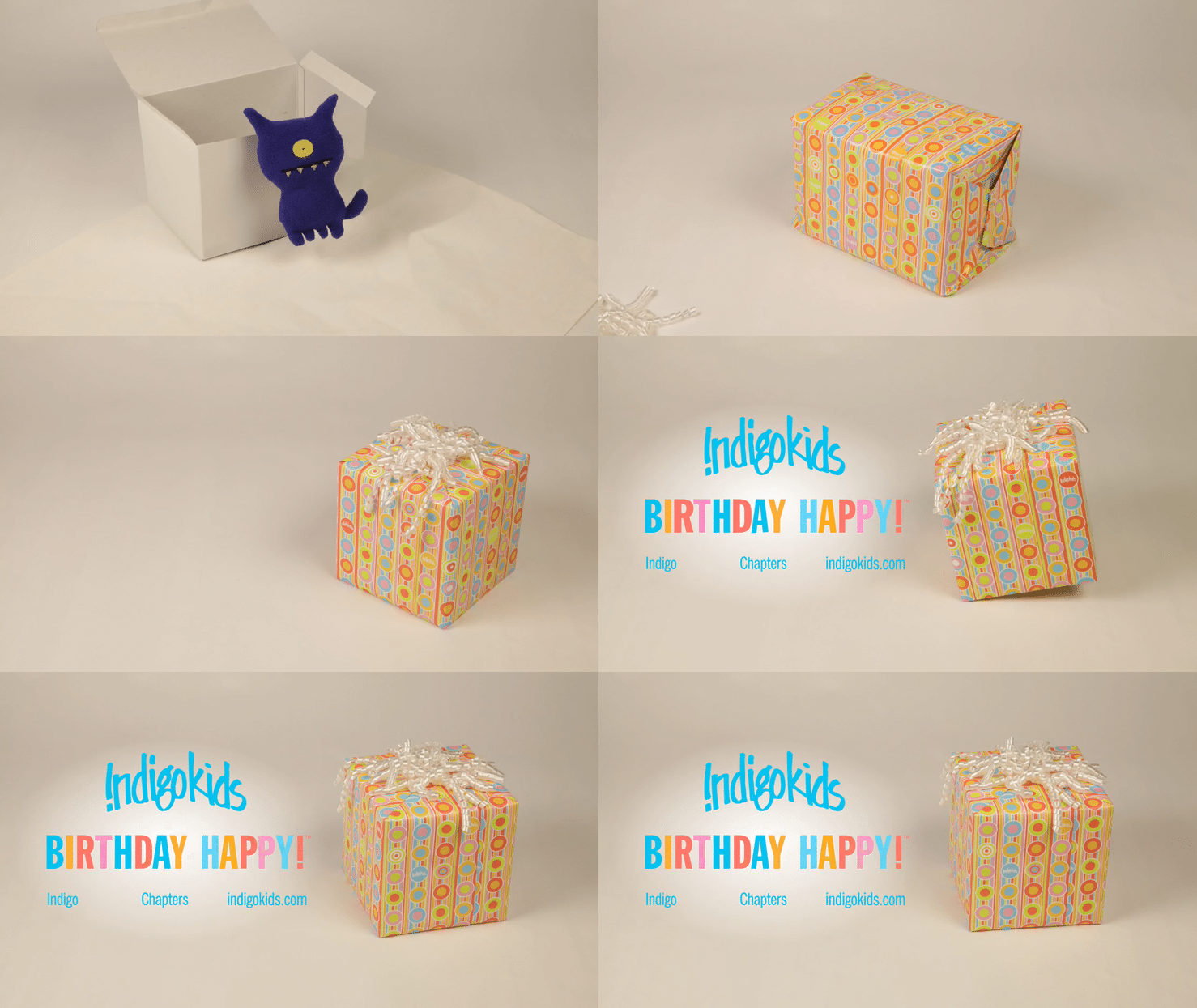
DAY 1 - Set up for all of the characters
This is an important day for the client. We will be sharing each set up as they are built so that we can get approval from the client before starting the actual animation. Client will need to be on call for this day.
______________________________________________________________________________
NOTE: for all of the Shoot Days we will be sharing with the client at 3pm. This will leave time each day for any revisions.
DAY 2 - Shoot Day - Animation of Opening Scene and Character Scene 1
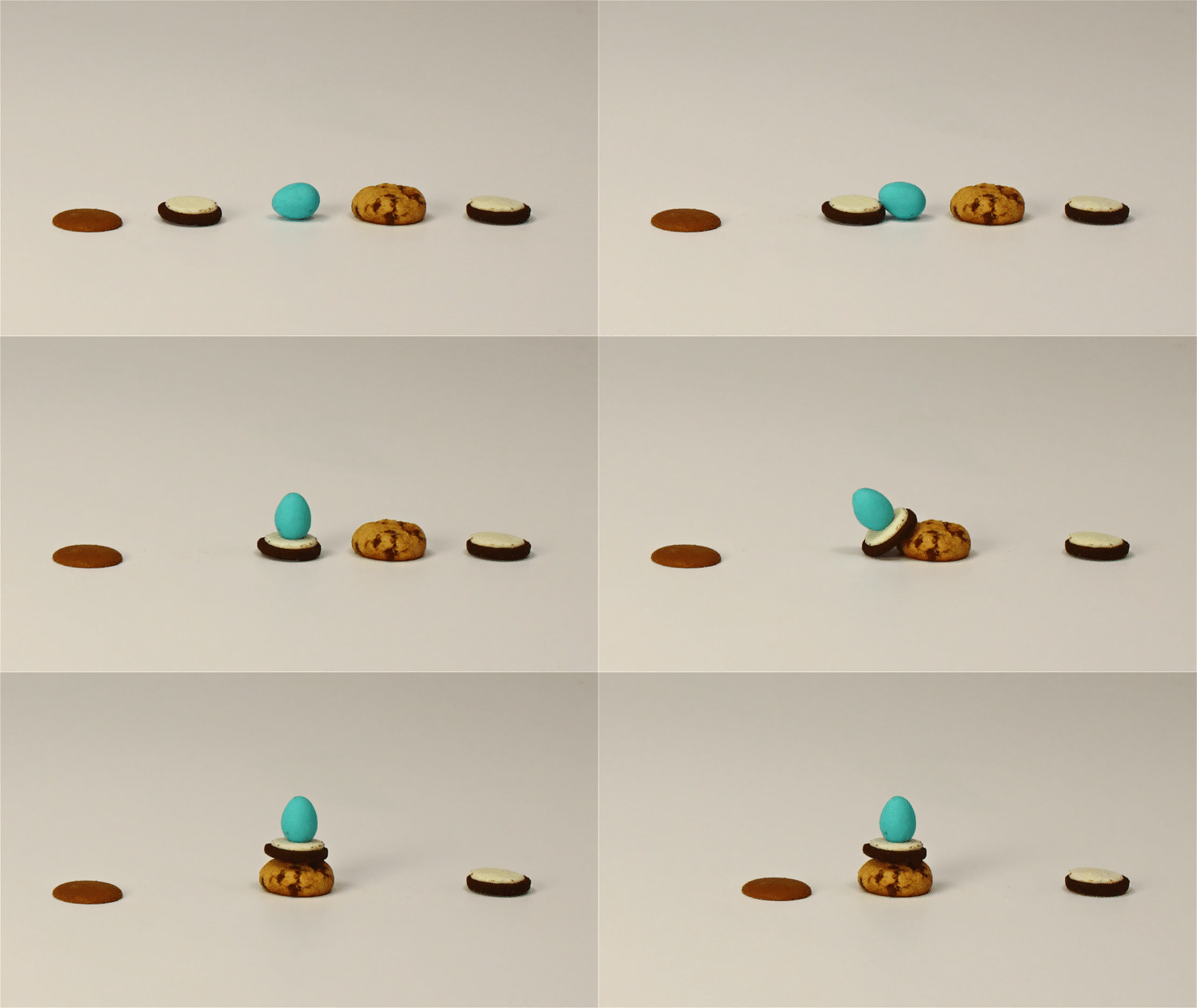
DAY 3 - Shoot Day - Animation Character Scene 2
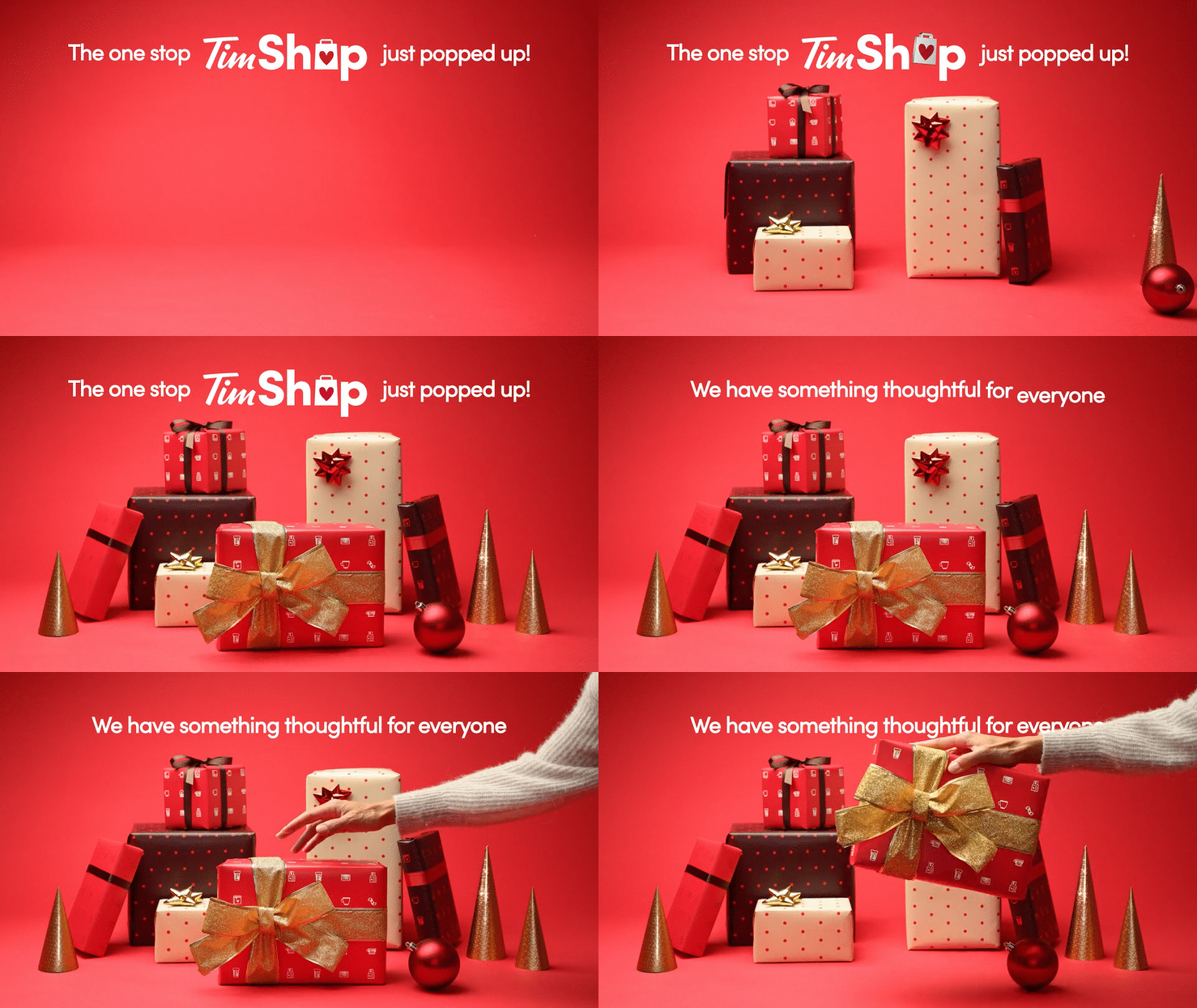
DAY 4 - Shoot Day - Animation Character Scene 3
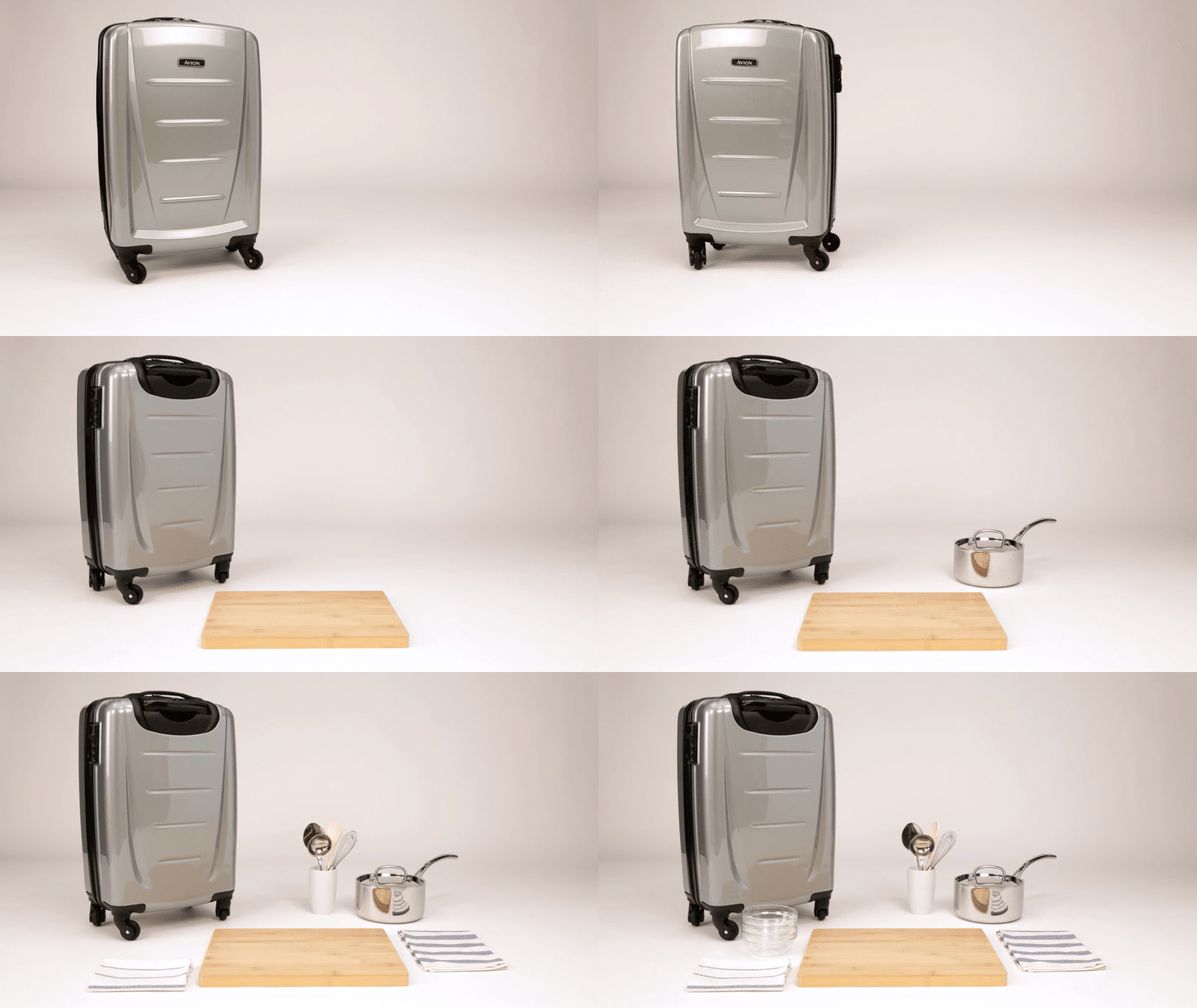
DAY 5 - Shoot Day - Animation Character Scene 4
DAY 6 - Shoot Day - Animation Character Scene 5 & Closing Scene
DAY 7 - Shoot Day - Revisions
1.5 WEEKS
POST-PRODUCTION STAGE 5:
This is the final stage of production.
Rig removal, Colour correction, VHS Video effect, Versioning, Final delivery
Client Review - 1 round of revisions
2 WEEKS